Try online ordering for your grocery store.
Try the web shop first. In a guided session, we then show how a test order reaches the store panel.
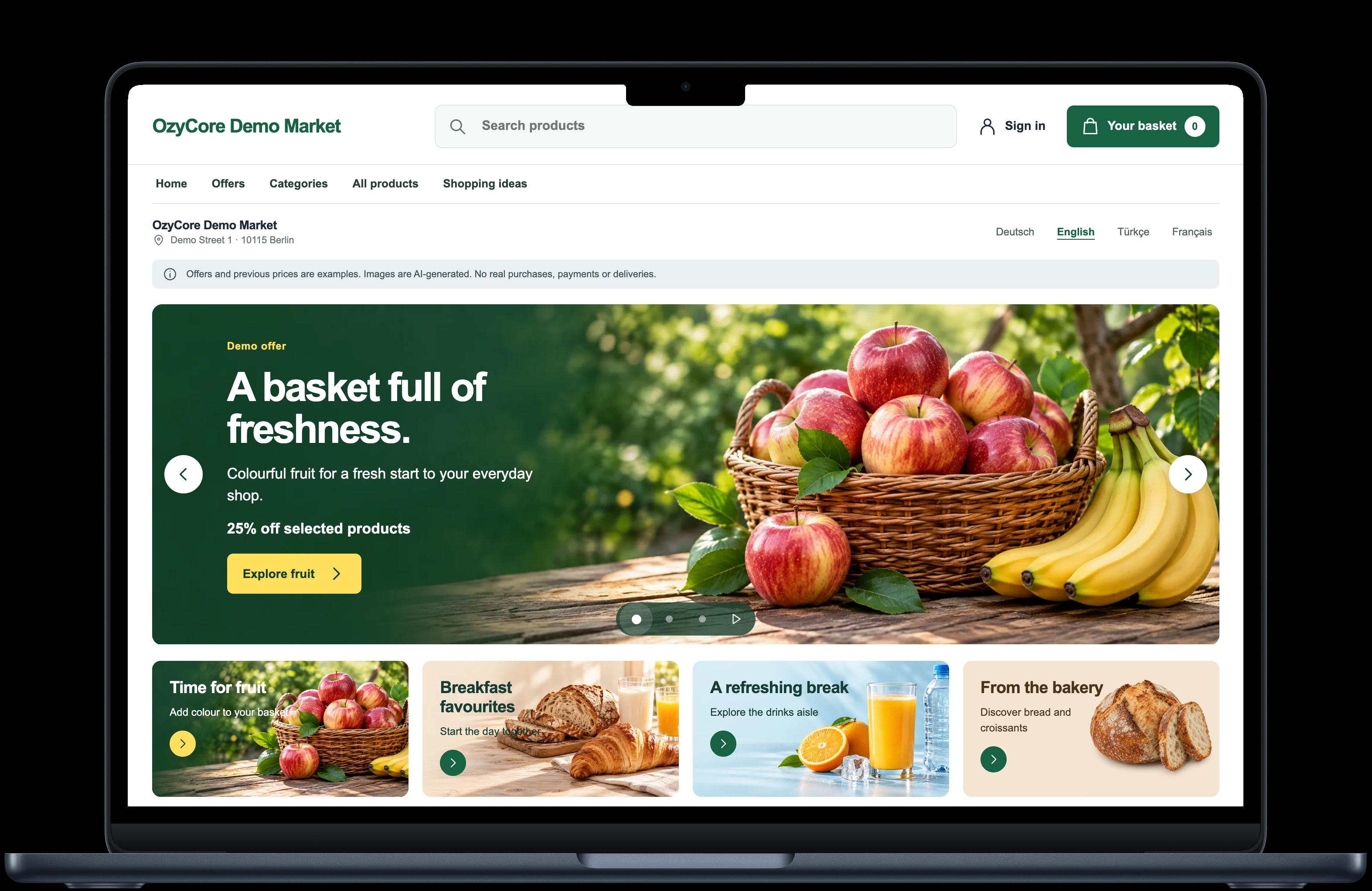
What you can try
Straight from your browser
Browse categories, view product details and fill the basket. You do not need an account.
Together in a demo session
With a personal test account: place an order, confirm it in the store panel and follow its status as a customer. Account credentials are never shared publicly.
Request a guided demoTry a breakfast shop in the demo
See the shop as a customer would. Put together a small breakfast basket, then check what your team would see.
Go to the demo catalogue
Find the milk
Search for “Whole milk”. Open the product details and see how easily you can find the pack size and ingredients.
Change a quantity
Add one milk and a butter croissant to the basket. Increase the croissant quantity to two and check the subtotal.
See the store side
In a guided session, use a test account to follow an order into the store panel and see the status your customer receives.
A test store, not a real purchase
Please do not enter real personal data. The demo does not make real payments or deliveries. Native apps, card payments, notifications and courier connections are set up and tested before use in your store. Driver integration is not yet ready for live deliveries.
Bring your store into the conversation
Four details are enough to start. Together, we define a practical first rollout.
- Location, number of stores and required languages
- Product range and existing product data
- Pickup, delivery area and team responsibilities
- Preferred channels: web shop, iOS or Android
Does this workflow fit your store?
We discuss your sales process, project scope and launch requirements. A tailored quote follows once we have agreed the scope.
Request a guided demo